
Do Online PDF Tools Upload Your Files? We Tested 18
Same file, 18 free tools, every network request logged
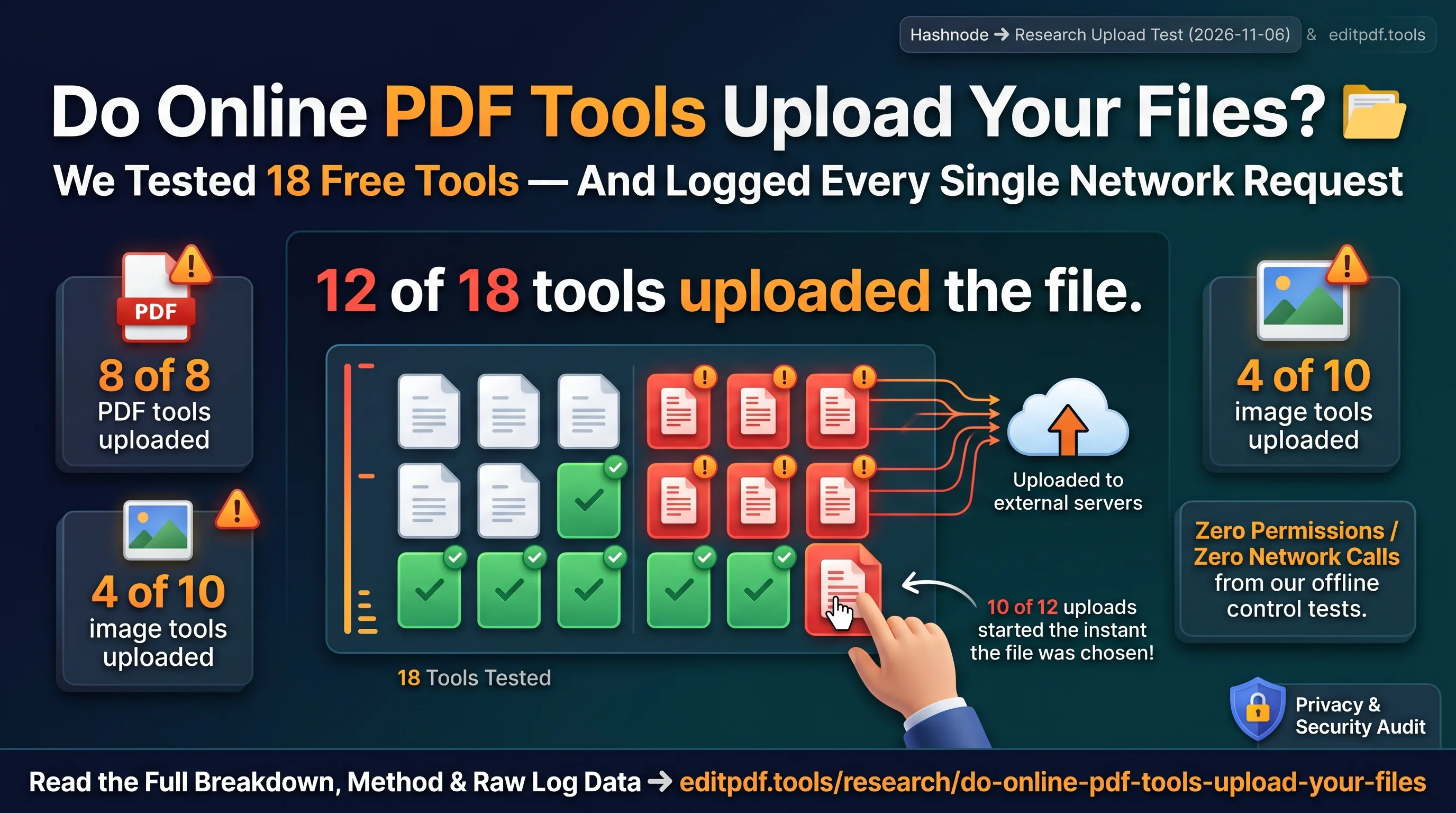
TL;DR: We added the same test PDF and the same test photo to 18 popular free online PDF and image tools and logged every network request. 12 of the 18 sent the file to a server, and 10 of those uploads started the moment the file was chosen, before any button was pressed. All 8 PDF tools we could measure uploaded the file. The full table, deletion policies and raw CSV are on the research page at editpdf.tools.
What question did we want to answer?
"Does this website upload my file?" Most tool pages answer it vaguely. We wanted a measured answer, with the same file and the same steps for every tool.
How was the test run?
- Same files for every tool: a one-page PDF of 150,608 bytes and a 2400 x 1800 px JPG of 326,154 bytes, made for the test with no personal data.
- Same browser and start: a fresh Chromium tab on Windows, not logged in, cookie banners left unanswered.
- A script put the file into each tool's own file picker and logged every
XHR,fetchandsendBeaconrequest with its address and size. - Each upload was confirmed a second time with the browser's
Resource Timinglist. - Where a result had its own web address, we opened it in a fresh tab with no cookies.
What were the results?
| What we measured | Result |
|---|---|
| Tools that sent the file to a server | 12 of 18 |
| PDF tools that uploaded (of those we could measure) | 8 of 8 |
| Image tools that uploaded | 4 of 10 |
| Uploads that started when the file was chosen | 10 of 12 |
| Results open at a public address without login | 2 (both gone about 24 hours later) |
Does uploading mean a tool is unsafe?
No. Many services delete files after a set time. The stated times we found range from 20 minutes to 48 hours, and some give no time at all. Each tool's own wording is quoted next to its result on the research page. Uploading means one more copy exists for a while, which matters most for ID cards, bank statements and contracts.
How did editpdf.tools do in the same test?
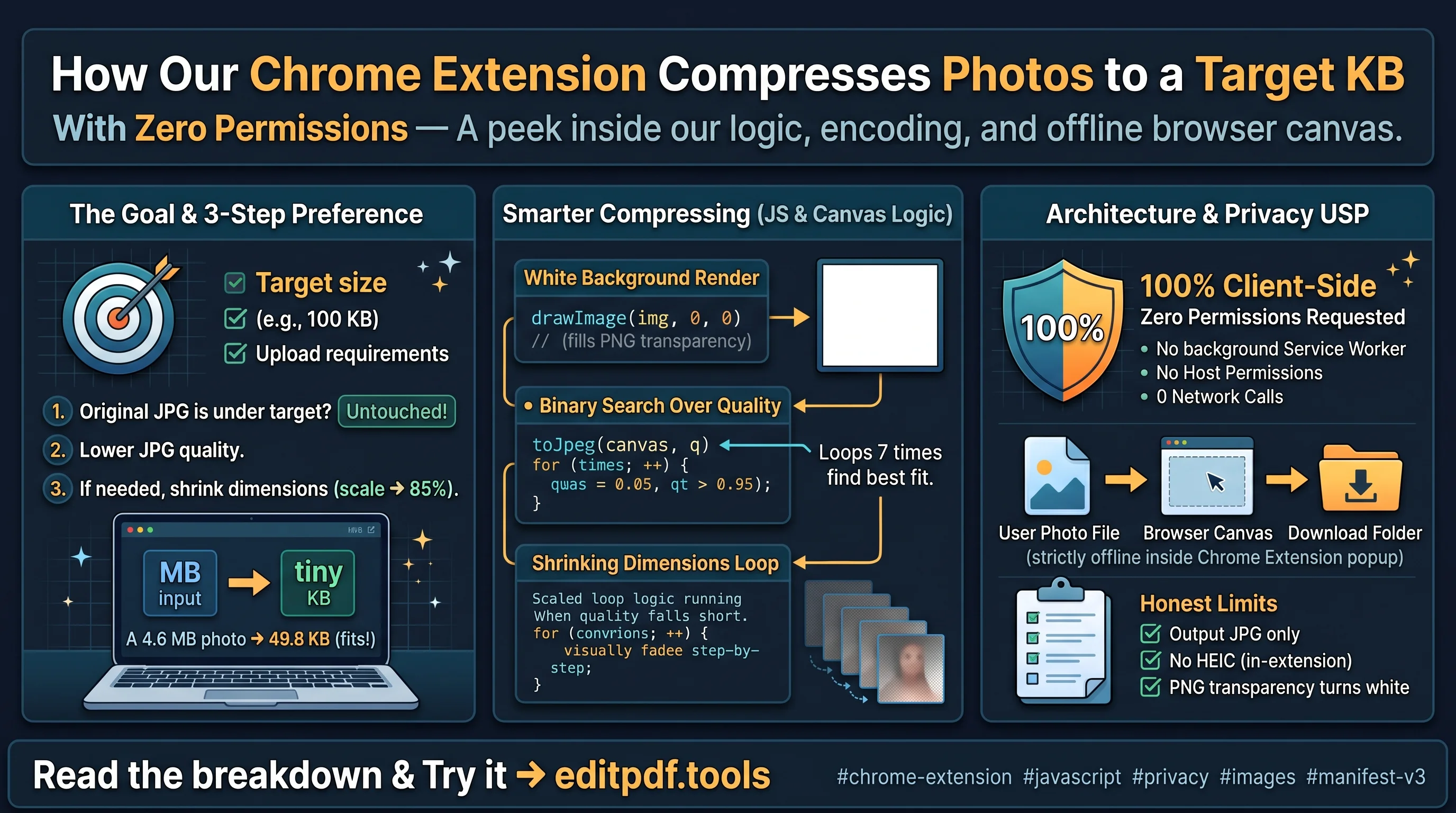
We ran our own Compress PDF and Compress Image to KB as a control. After the file was added, no request was larger than 1 KB. Edit PDF, our paid tool, does upload the file for processing, and its page says so.
How can you check a tool yourself?
- Open the tool and press F12.
- Open the Network tab and clear it.
- Add a small test file.
- Look for a POST or PUT request about the size of your file.
What are the limits of the test?
It reflects one browser on 4 November 2026. Any site can change after that. It shows that a file was sent and where, not what happens on the server.
FAQ
Do online PDF tools upload your files?
Most of the ones we tested do. All 8 measurable PDF tools uploaded the test PDF.
Do image tools upload files too?
4 of the 10 image tools did. The other 6 processed the photo in the browser.
Can I use the data?
Yes. The raw CSV is on the research page under a CC BY 4.0 licence.
How often will you repeat the test?
Every six months, with the new date on the same page.
What if a tool has changed since the test?
Tool owners can contact us, and we re-test and update the page with the date.
About the author
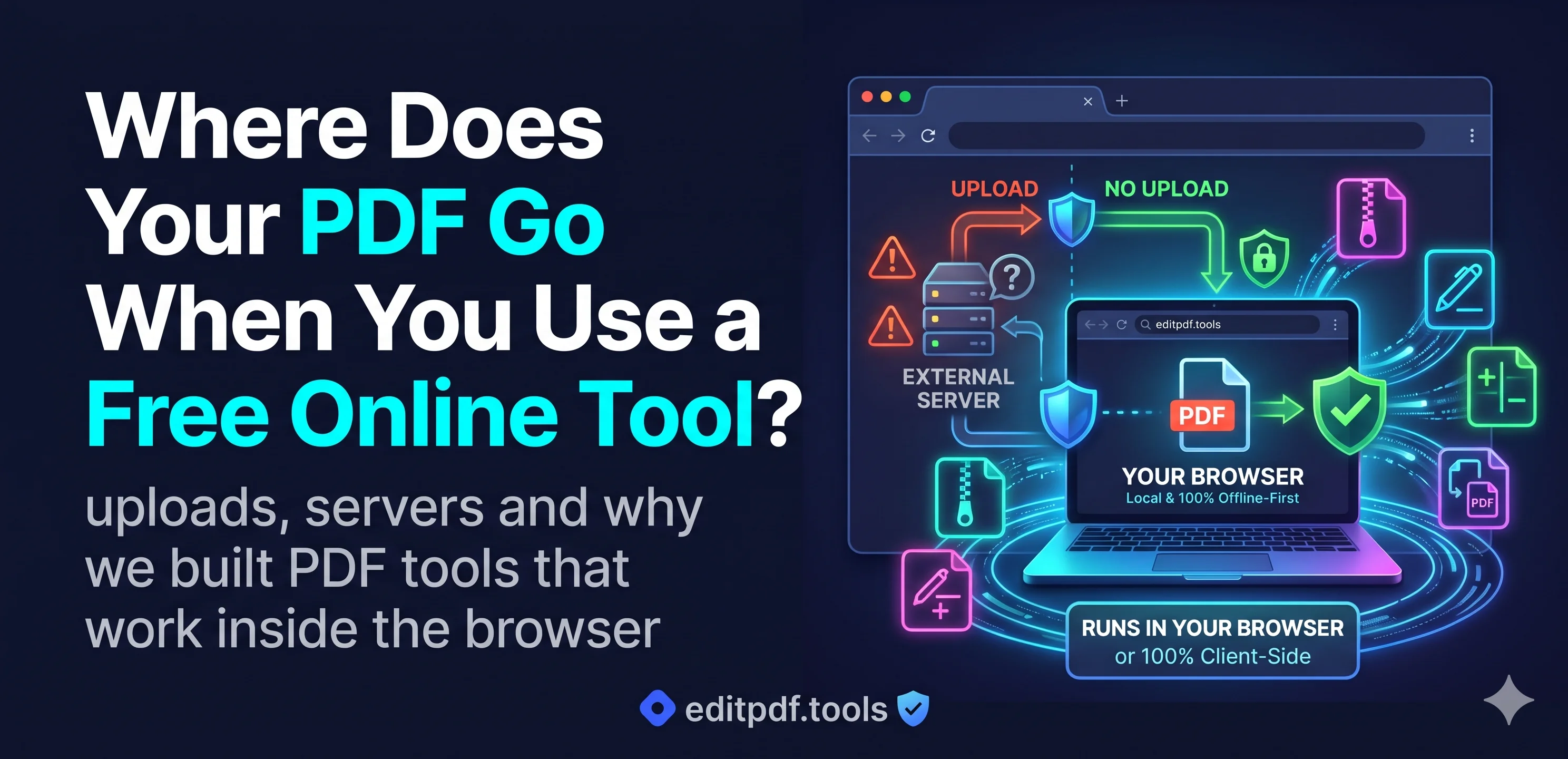
- I'm Chandan Singh, founder of editpdf.tools and an IT Manager in Dubai with 16+ years in IT, telecom and fintech. editpdf.tools has 14 free PDF and image tools that process files in your browser, so your files are not uploaded. Only the paid Edit PDF tool uploads a file, and it does not store it. I build it with a small team in India. On 4 November 2026 I tested 18 popular free online PDF and image tools to see which ones upload your file: 12 did.
Comments
Join the discussionSolid methodology - logging XHR/fetch/sendBeacon with a Resource Timing cross-check is exactly how to settle this question. Two additions worth considering for the next round: embed a unique canary URL or tracking pixel inside the test PDF, so any later server-side access (thumbnail generation, AV scanning, someone opening it) shows up after the upload itself, which is where retention claims actually get tested; and run a second pass for the client-side tools with connectivity blocked after page load - if the tool still processes the file with the network cut, 'runs in your browser' is proven rather than asserted. Agreed that an upload is not automatically malicious: the questions that matter are retention window, deletion SLA, and whether the result URL is unguessable without auth.
Thanks Damiano, that’s really useful feedback. The canary idea is a good one: an upload only shows that the file left the browser, while a unique URL inside the PDF would show if anyone or anything opened it later, which is where deletion claims really get tested. Cutting the network after page load for the in-browser tools is also on the list for the next round, so the result is shown rather than just stated. We plan to repeat the test every six months and will add both. Agreed on the questions that matter most: how long files are kept, how fast they are deleted, and whether a result URL can be guessed without a login.