
Where Does Your PDF Go When You Use a Free Online Tool?
A plain explanation of uploads, servers and why we built PDF tools that work inside the browser.
You need to shrink a PDF for a job portal, so you search "compress PDF free", open the first result, drop your file in and download the smaller version. Thirty seconds, done.
But in those thirty seconds, your file took a trip. Most people never think about where it went.
What happens on most PDF sites
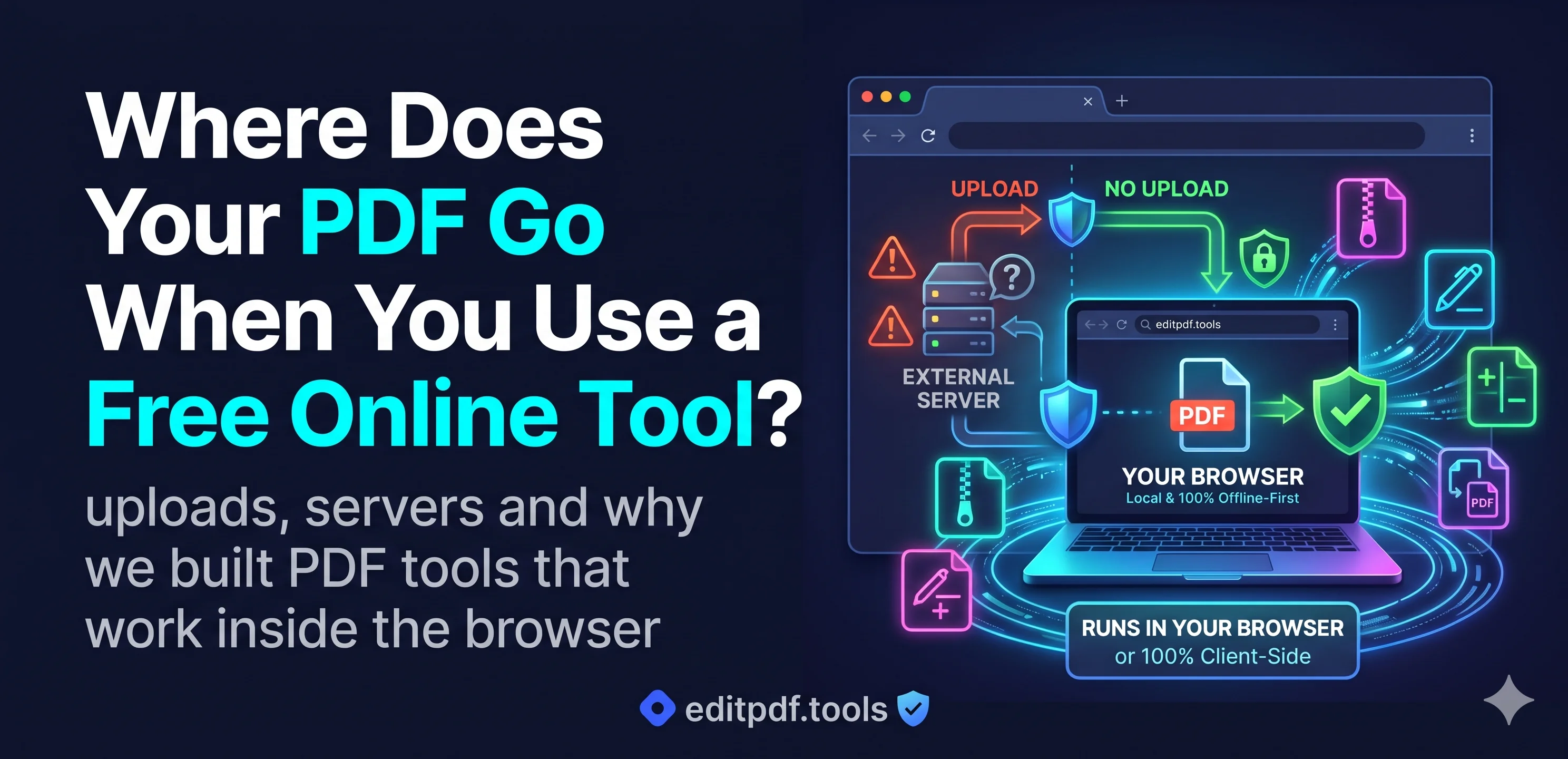
On a typical online PDF tool, the work does not happen on your computer. It happens on the company's server.
- Your browser sends a full copy of the file to that server.
- The server opens it, does the job (compress, merge, sign) and creates a new file.
- You download the result.
That means at least one copy of your document now exists on a machine you do not control. What happens to it next depends on that company: how long they keep it, who on their team can open it, how well the server is protected, and what their privacy policy really allows.
For a recipe or a school worksheet, this may not matter. But look at what people usually upload:
- Signed contracts and rental agreements
- ID cards and passports for applications
- Payslips, bank statements and tax forms
- Medical reports and insurance claims
These are exactly the files you would never email to a stranger. Yet we upload them to strangers every day, just to make them smaller.
The other way: the tool comes to the file
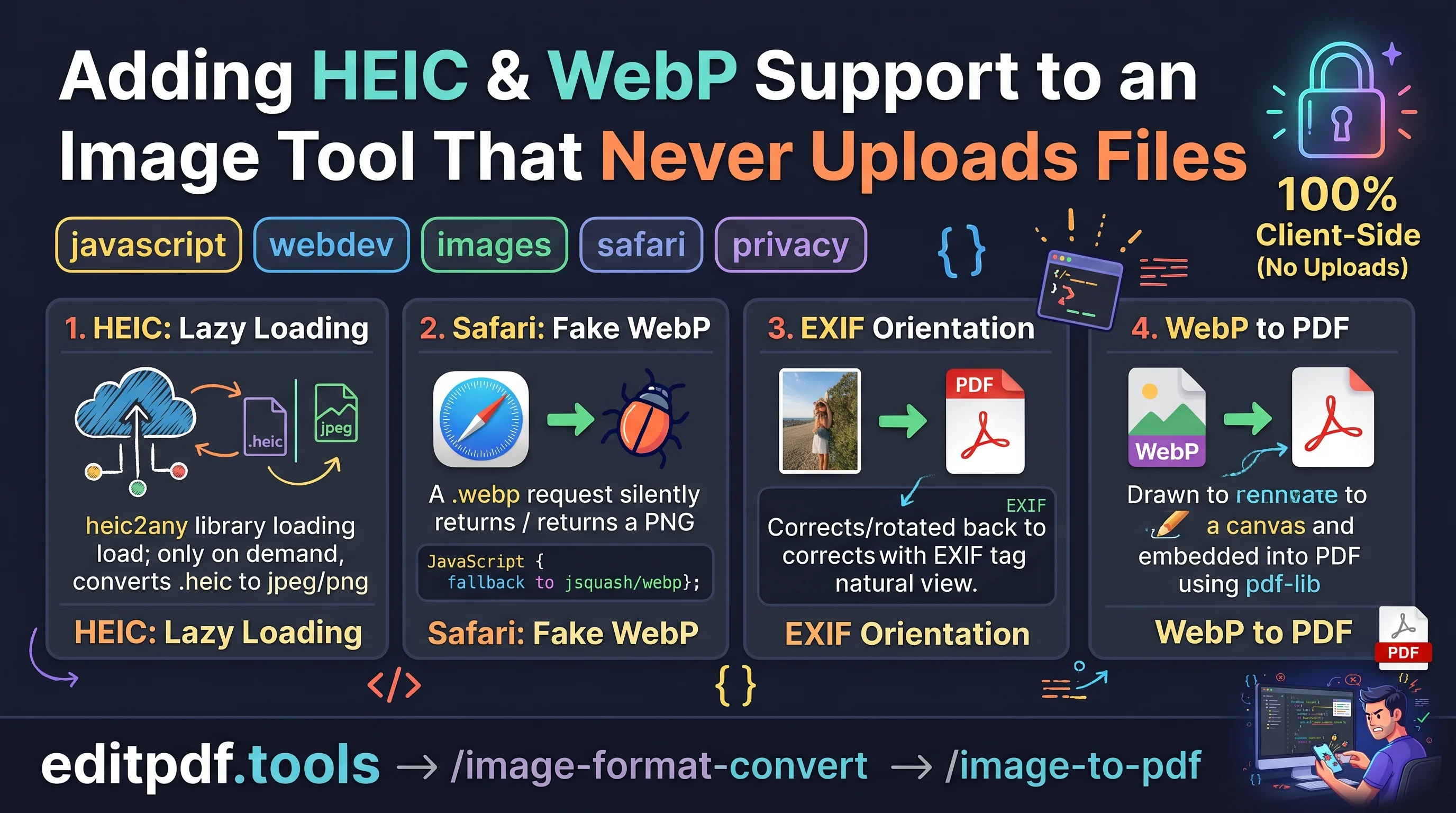
Modern browsers are powerful. Many everyday PDF and image jobs can now run entirely inside the browser tab, on your own phone or computer. The page loads the tool, you choose your file, and the work happens locally. Nothing is sent anywhere.
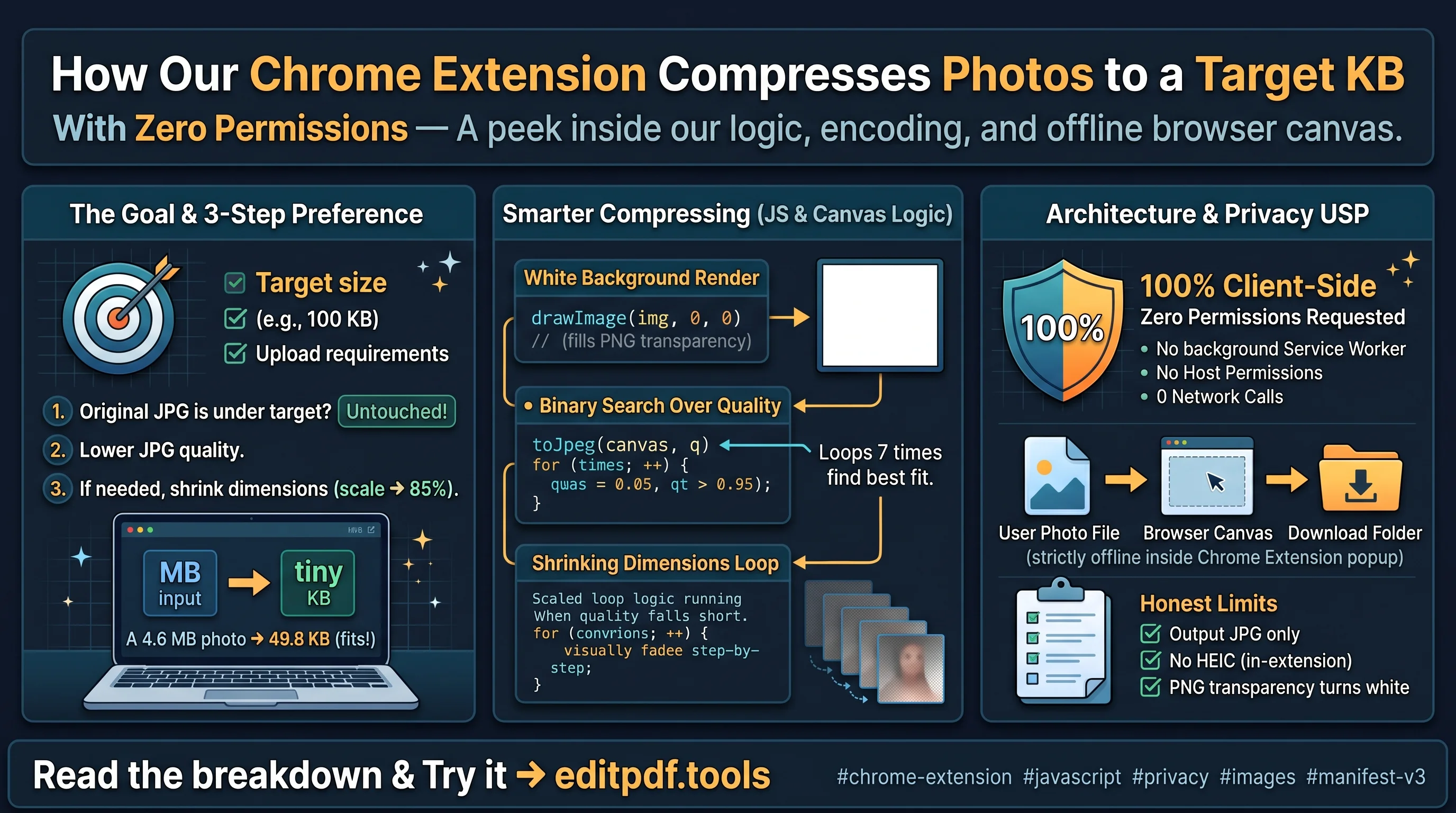
That is the idea behind editpdf.tools. Our 14 free tools work this way, from compressing a PDF to signing one, merging, splitting, filling forms and resizing images to an exact size in KB. No signup and no watermark.
One tool is different, and we say so openly. Edit PDF, which changes existing text inside a PDF, needs a server. That file is uploaded for processing and not stored. Every other tool keeps your file on your device.
How to tell which kind of tool you are using
You do not need to trust any website's privacy promise, including ours. Your browser can show you every file a page sends. Open the developer tools, go to the Network tab, use the tool and watch whether your file goes out. We show this test in a short video on our security page, and I will walk through it step by step in a separate post.
A simple rule
Before you upload a document anywhere, ask one question: would I be fine if a stranger kept a copy of this? If the answer is no, use a tool that works on your device.
Thanks for reading. If you have questions about how browser-based tools handle files, leave a comment and I will answer.
Chandan, editpdf.tools
About the author
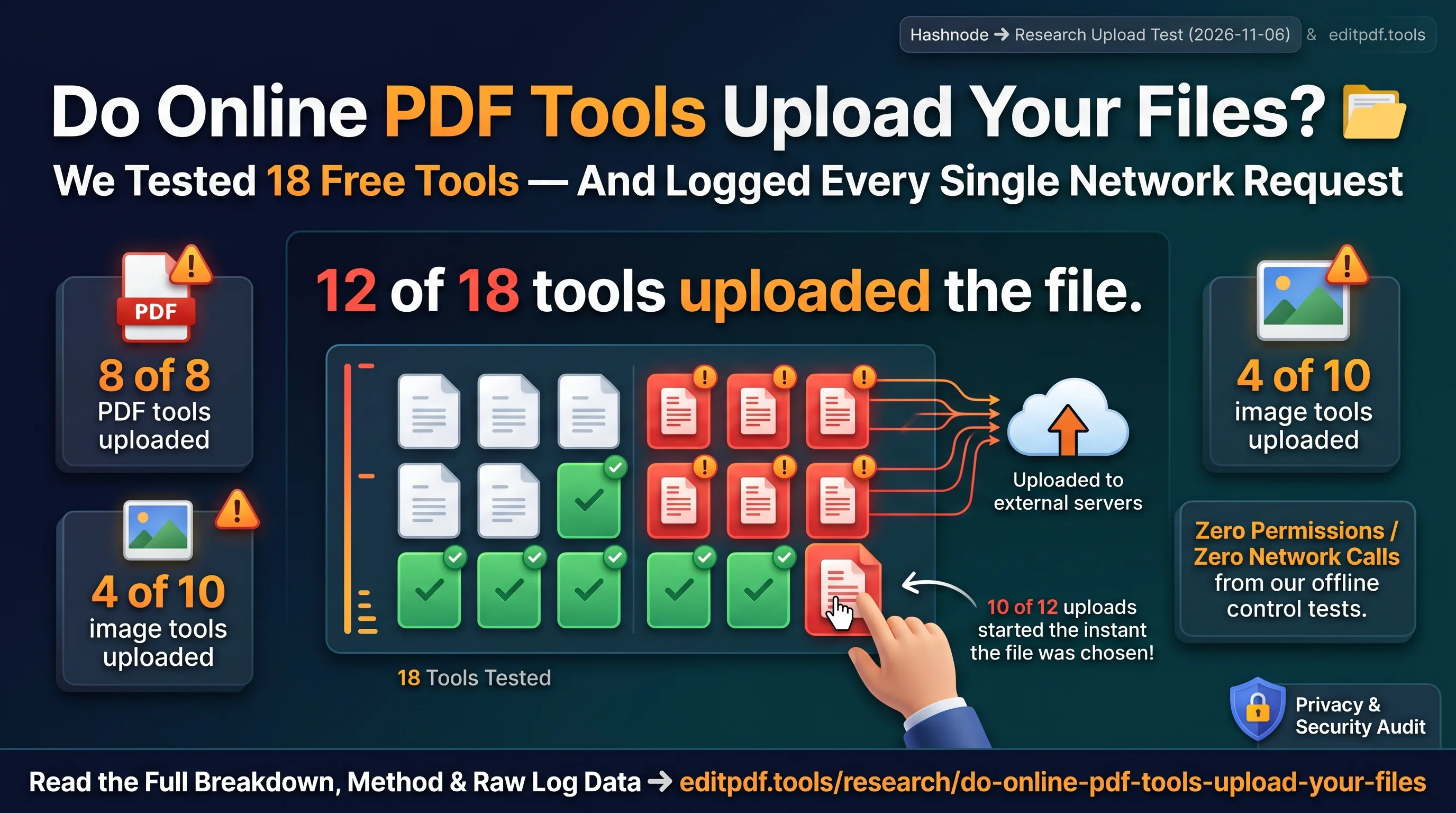
- I'm Chandan Singh, founder of editpdf.tools and an IT Manager in Dubai with 16+ years in IT, telecom and fintech. editpdf.tools has 14 free PDF and image tools that process files in your browser, so your files are not uploaded. Only the paid Edit PDF tool uploads a file, and it does not store it. I build it with a small team in India. On 4 November 2026 I tested 18 popular free online PDF and image tools to see which ones upload your file: 12 did.
Comments
Join the discussionNo comments yet. Be the first to comment.